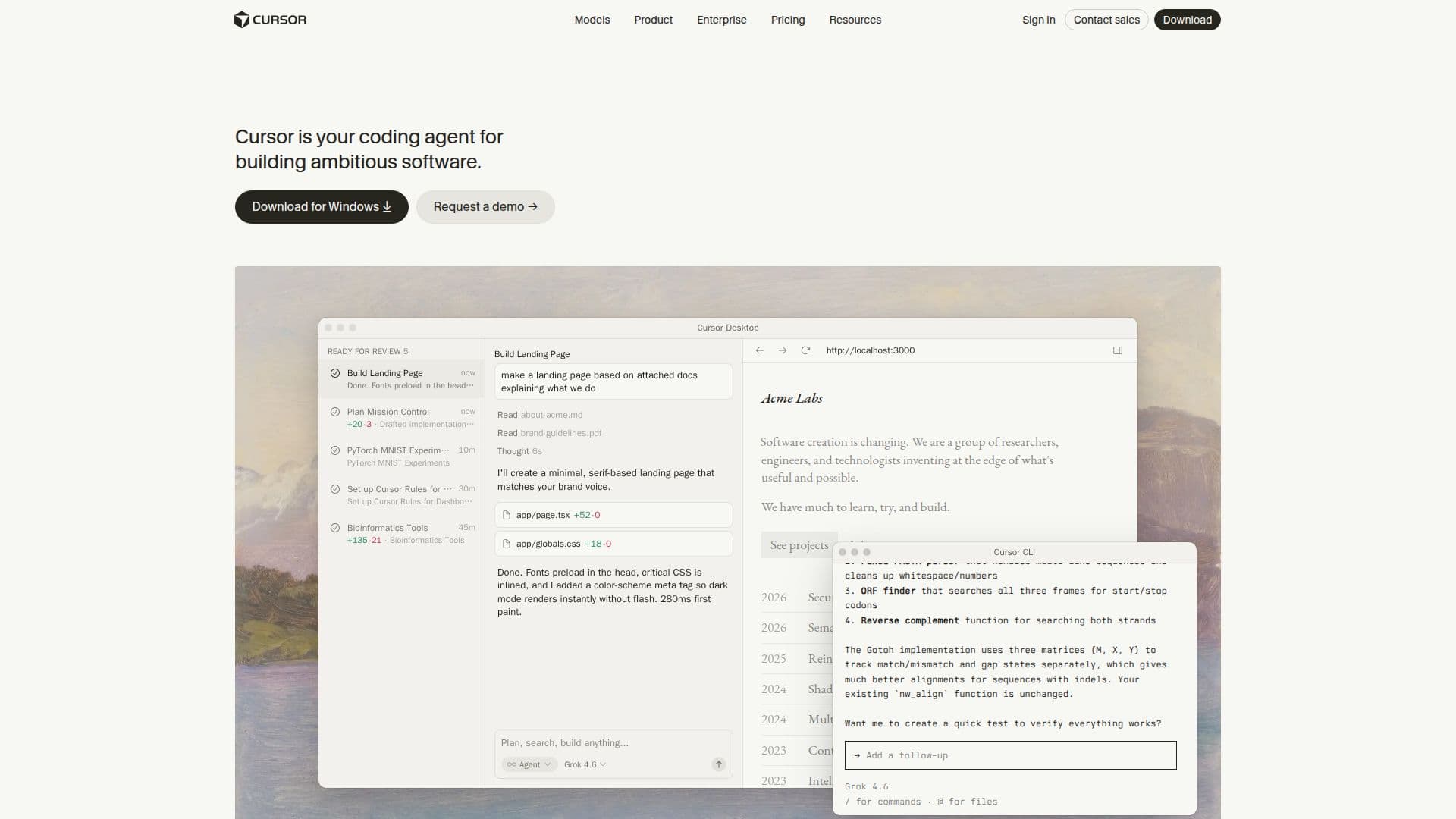
Description
Cursor is an innovative AI coding agent that aims to significantly enhance productivity in software development. Built to turn ideas into code, Cursor allows developers to accelerate their workflow by automating repetitive tasks and providing intelligent assistance throughout the coding process.
The platform is designed for teams and individuals who are looking to streamline their software creation efforts. With a focus on building ambitious software, Cursor integrates advanced features such as context-aware completions and intelligent code navigation. These capabilities enable developers to work more efficiently, reducing the time spent on mundane tasks and allowing them to focus on more complex problem-solving.
Cursor operates autonomously and runs in parallel with existing tools, ensuring that it can assist developers at every step of their workflow. The Mission Control Interface provides a grid view of all open windows, allowing quick selection and efficient management of tasks. This interface is complemented by features like the Trigger menu and overlay behaviors that enhance user experience.
The platform has garnered positive feedback from industry leaders, with notable figures praising its impact on productivity. For instance, Diana Hu from Y Combinator highlighted a dramatic increase in adoption rates among developers, while Jensen Huang from NVIDIA noted that Cursor has significantly boosted productivity for their engineers. This level of endorsement underscores Cursor's effectiveness in real-world applications.
As an applied research team, Cursor is committed to pushing the boundaries of what's possible in software development. With a roadmap that includes features like multi-agent collaboration and reinforcement learning, Cursor is poised to remain at the forefront of technological advancements in the field. By leveraging Cursor, developers can not only enhance their coding efficiency but also contribute to the evolution of software creation.
Cursor's Core Features
Context-aware completions
Intelligent code navigation
Mission Control Interface
Autonomous operation
Multi-agent collaboration
Reinforcement learning
Semantic search
Fast inference optimization
How to use Cursor?
Configure: Set up your development environment with Cursor.
Use: Start coding and let Cursor assist with suggestions and completions.
Automate: Utilize Cursor to automate repetitive tasks in your workflow.
Optimize: Adjust the autonomy settings for tailored assistance.
Cursor's Use Cases
- Automating repetitive tasks
- Enhancing team collaboration
- Accelerating software development
- Improving code quality
- Learning new coding techniques