


Description
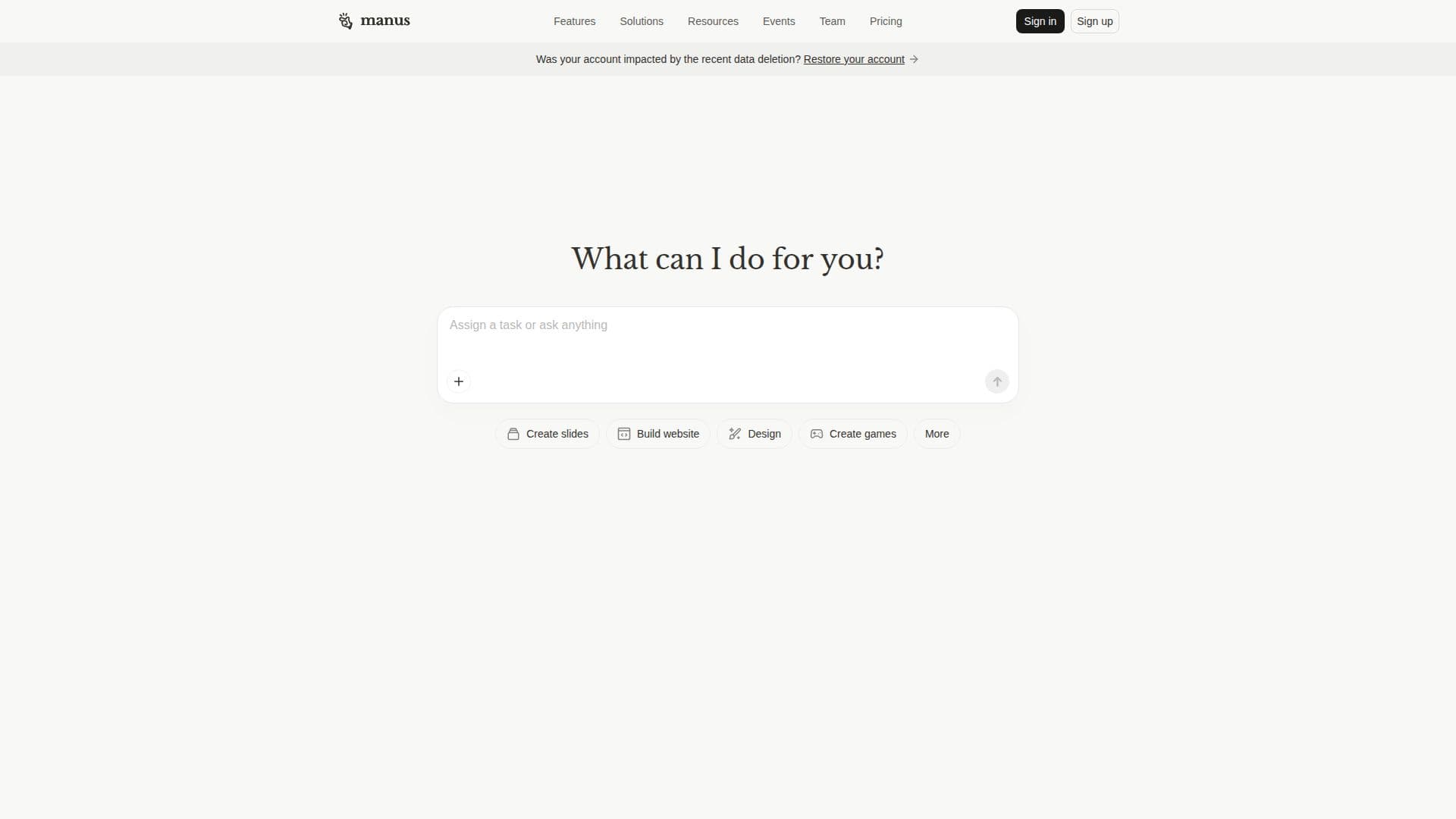
Manus: Hands On AI is designed to be an action engine that transcends traditional AI capabilities by not only providing answers but also executing tasks and automating workflows. This innovative tool is built to extend your human reach, allowing you to focus on higher-level work while Manus handles the tedious details.
The Manus Browser Operator is a standout feature that transforms any browser into an AI-powered interface. By installing this extension, users can automate tasks across various platforms, including CRM systems and authenticated services, using their trusted local sessions. This ensures full transparency and control over the operations performed by Manus.
One of the key advantages of Manus is its ability to perform tasks autonomously. Unlike standard AI chatbots, Manus can take on multi-step goals, planning, navigating, and executing workflows without the need for continuous human oversight. This capability is powered by your active browser tabs, allowing Manus to utilize your existing logins and sessions to complete tasks efficiently.
Manus excels at automating repetitive tasks such as data extraction, form filling, and complex research. For instance, it can check unread messages on LinkedIn, find top-rated restaurants, or even apply for jobs using your resume. This level of automation not only saves time but also enhances productivity by allowing users to delegate tedious tasks to their AI agent.
In addition to task automation, Manus offers a suite of design tools, enabling users to create stunning visuals, videos, and presentations without needing design skills. The AI design generator can produce high-quality images and multimedia assets, making it a comprehensive solution for creative workflows.
Overall, Manus is ideal for professionals looking to streamline their workflows, enhance productivity, and leverage AI capabilities to manage complex tasks efficiently. Whether you are in marketing, project management, or any field requiring extensive data handling and task execution, Manus provides the tools necessary to optimize your work processes.
Manus: Hands On AI's Core Features
AI Task Automation
Browser Integration
Autonomous Workflow Execution
Multi-Modal Design Tools
Data Extraction
Task Delegation
Interactive Canvas Editing
Real-Time Collaboration
How to use Manus: Hands On AI?
Install: Add the Manus Browser Operator extension to your browser.
Connect: Enable Manus Browser Operator in the Manus connector tab.
Grant Access: Allow Manus to access your browser for task execution.
Assign Tasks: Provide Manus with multi-step goals to automate.
Monitor Progress: Check the status of tasks being executed by Manus.
Review Outputs: Analyze the results and make adjustments as needed.
Optimize: Refine tasks and workflows based on performance.
Manus: Hands On AI's Use Cases
- Automate Research
- Task Management
- Content Creation
- Social Media Management
- Job Applications


