


Description
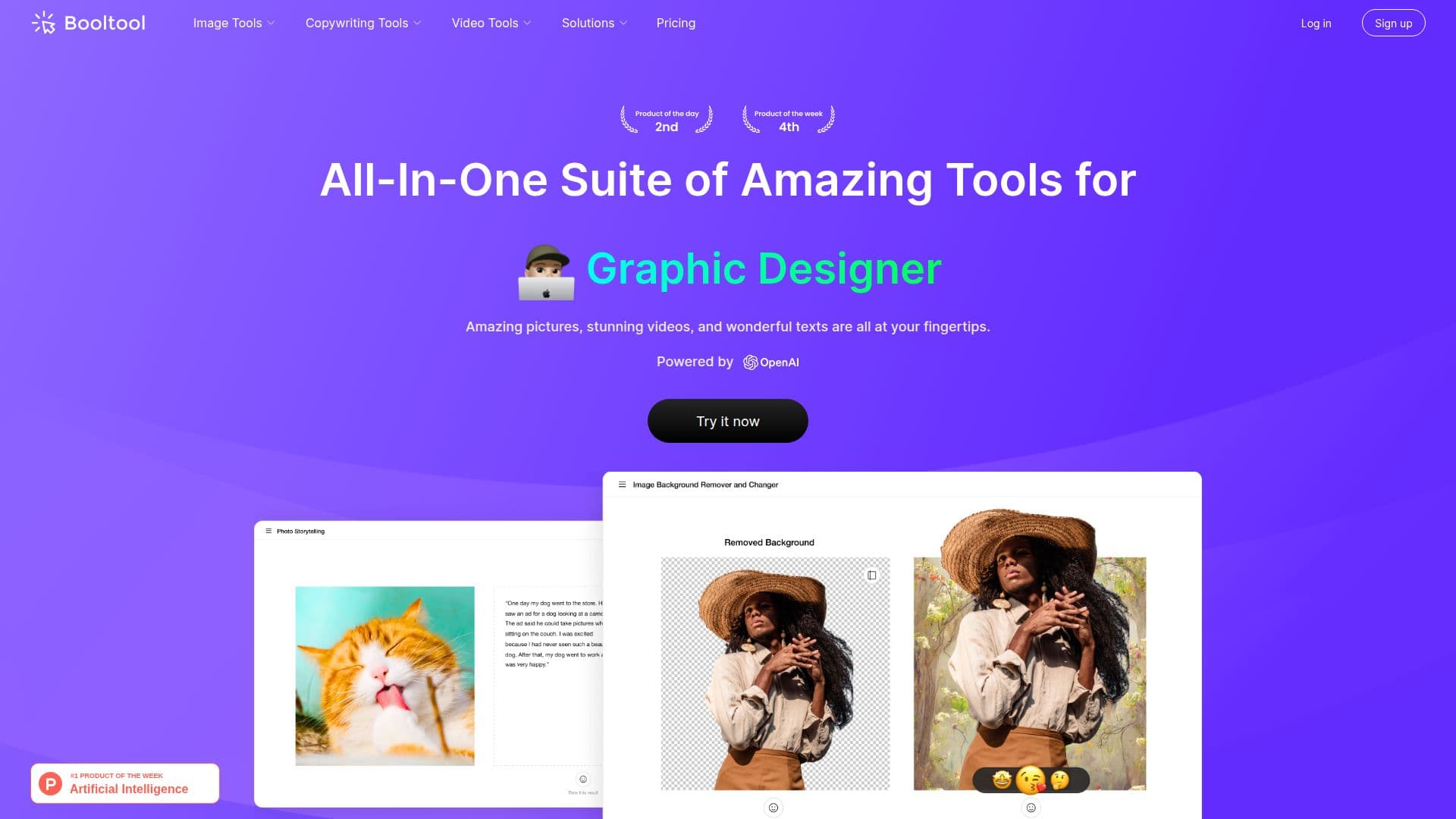
Booltool is a comprehensive suite of tools that empowers users to create amazing pictures, stunning videos, and engaging texts with ease. This platform is designed for anyone looking to enhance their visual content, whether for personal projects or professional use. With Booltool, users can access a variety of features that streamline the process of image and video editing.
The image tools offered by Booltool are particularly impressive. Users can remove unwanted backgrounds from portrait and product images with remarkable precision. The Object Background Remover allows for the erasure of unwanted objects, people, defects, or watermarks, resulting in flawless images with just a simple swipe. Additionally, the Image Enhancer applies instant filters and effects to make photos stand out, while the Image Resizer and Compressor ensure that images are optimized for various platforms without sacrificing quality.
For those looking to enhance their video content, Booltool provides a Video Enhancer that can upscale videos by 2x and improve color balance, sharpness, and clarity. The Video Background Remover feature allows users to isolate subjects from the background without the need for a green screen, making video editing more accessible than ever.
Booltool also offers a range of copywriting tools powered by AI technology. The AI Paraphraser helps users rewrite text effortlessly, eliminating duplicated content. The Sugar Comments feature sweetens words for social media interactions, while the Photo Storytelling tool assists in creating engaging narratives for images. This makes Booltool not only a visual editing tool but also a platform for enhancing written content.
Overall, Booltool is ideal for content creators, marketers, and anyone in need of high-quality image and video editing tools. Its user-friendly interface and powerful features make it a valuable resource for enhancing visual storytelling and engagement across various platforms.
Booltool's Core Features
Portrait Background Remover
Object Background Remover
Image Enhancer
Image Resizer
Image Compressor
Video Enhancer
Video Background Remover
AI Paraphraser
Sugar Comments
Photo Storytelling
How to use Booltool?
Configure: Choose the tool you want to use from the suite.
Upload: Import your image or video file into the platform.
Edit: Utilize the various editing features like background removal or enhancement.
Export: Save your edited content in the desired format for sharing.
Booltool's Use Cases
- Social Media Marketing
- E-commerce Product Images
- Content Creation
- Video Production
- Personal Projects


