
Description
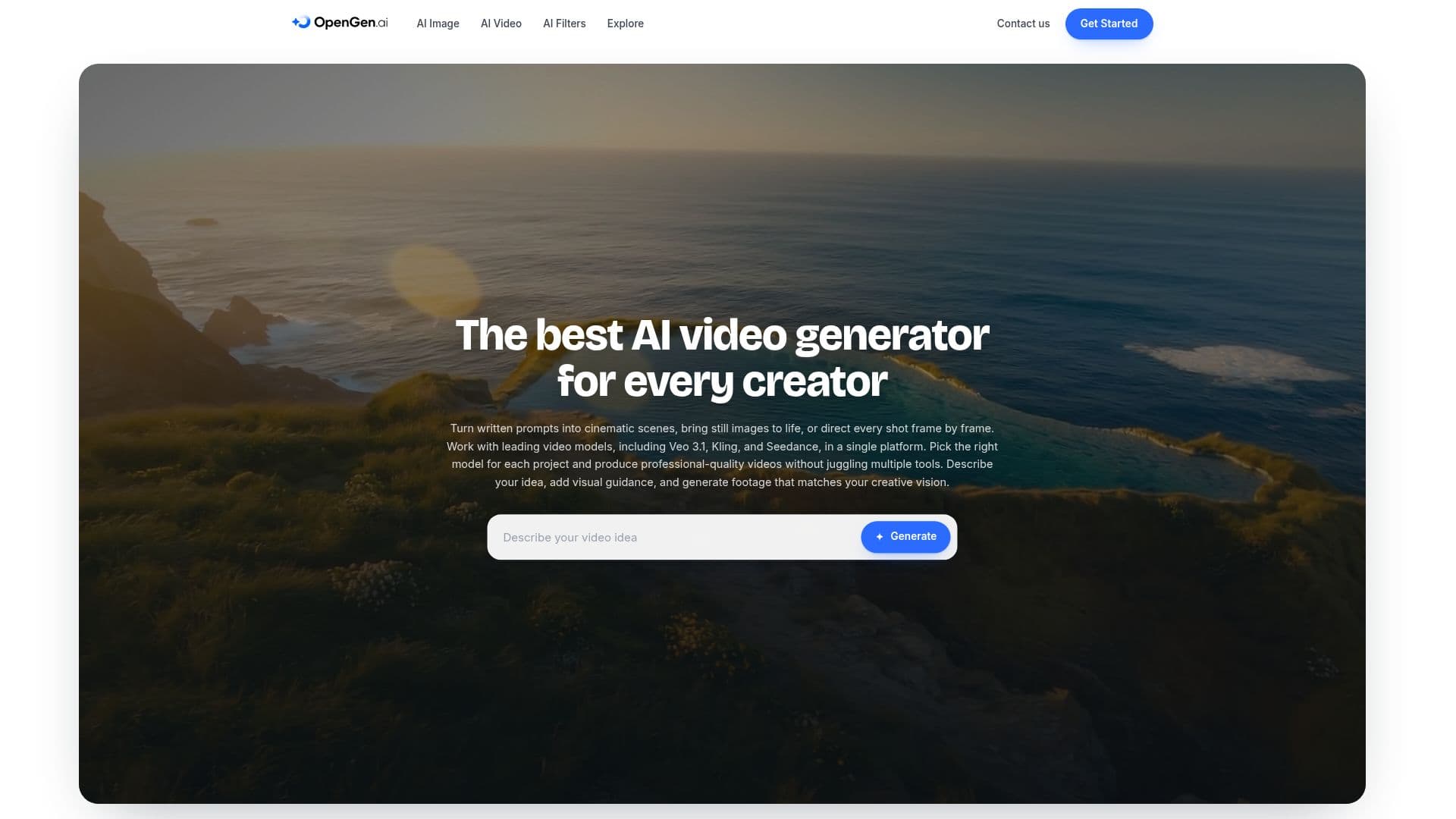
OpenGen is a comprehensive AI video generation platform designed for creators who want to transform their ideas into cinematic scenes. By using leading AI models such as Veo 3.1, Kling, and Seedance, OpenGen allows users to turn written prompts into professional-quality videos. The platform supports video and image generation from text, photos, or references, making it versatile for various creative projects.
The AI video generator is intuitive, enabling users to produce standout animated clips and cinematic videos with ease. Users can start by launching the OpenGen AI Toolkit, describing their creative vision with a text prompt, selecting an AI video model, and setting parameters like aspect ratio, resolution, and duration. The platform allows for rapid iteration, enabling creators to refine their videos quickly.
OpenGen is particularly beneficial for mobile creators, as it offers studio-grade AI video generation on mobile devices using the same models as on desktop. It supports photo-to-video conversion with precise start and end frame control, making it ideal for animating personal photos or product shots.
The platform also includes an AI Image Generator for creating striking images from text prompts and AI Filters for restyling portraits and photos. OpenGen's all-in-one creative toolkit unites AI video, image, and voiceover generation, allowing creators to handle large projects without switching tools.
OpenGen's AI video generator is suitable for commercial projects, with users retaining rights to their outputs. The platform ensures that user prompts and outputs are not used for training AI models, maintaining privacy and control over generated content.
OpenGen AI Video Generator's Core Features
AI video generation from text prompts
Integration with Veo 3.1, Kling, and Seedance models
Photo-to-video conversion with frame control
Mobile app for video generation
AI Image Generator for text-to-image creation
AI Filters for photo restyling
All-in-one creative toolkit
Commercial use rights for generated videos
User privacy for prompts and outputs
Rapid iteration and refinement
How to use OpenGen AI Video Generator?
Open the OpenGen AI Toolkit: describe your creative vision
Select your video model: set parameters like aspect ratio
Generate and polish: produce and refine your video
Download or iterate: save or tweak your creation
OpenGen AI Video Generator's Use Cases
- Cinematic video creation
- Photo animation
- Mobile video production
- Commercial video projects
- Creative storytelling